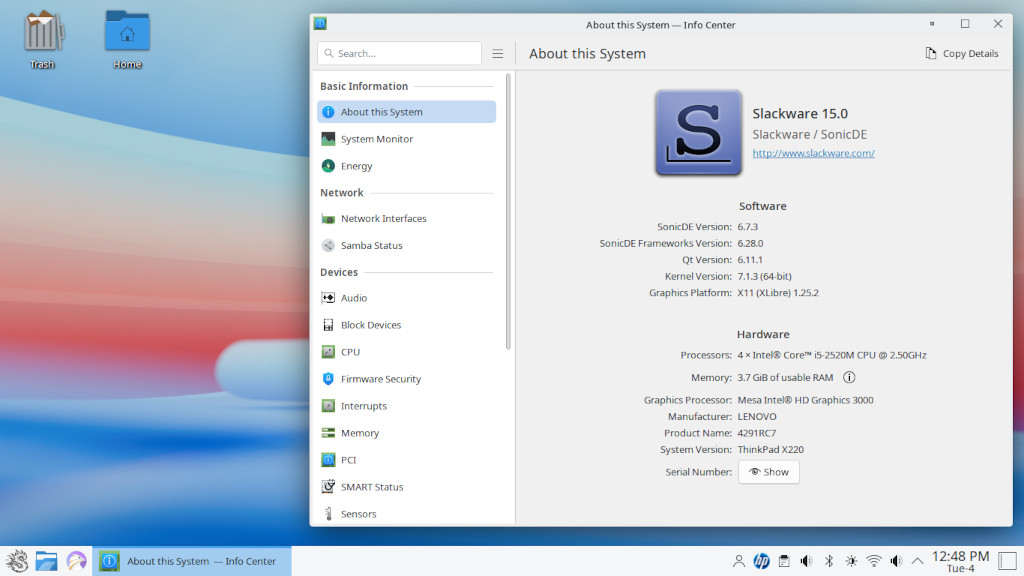
SonicDE SlackBuild for Slackware
SonicDE provides selected KDE/Plasma replacement packages for Slackware-current. It is not currently a standalone desktop package set. Keep the Slackware KDE packages that SonicDE does not replace.
Requirements
SonicDE targets an up-to-date Slackware-current system. Root access is required
to build and install packages. For installation, keep the Slackware KDE and
Plasma packages that SonicDE does not replace. The main Slackware polkit
package is also required:
slackpkg install kde
slackpkg install polkit
Do not remove KDE packages before installing SonicDE. Some SonicDE packages replace KDE packages, while others continue to use KDE, Qt6, Plasma, and integration packages from Slackware.
For building, install Slackware’s normal compiler and SlackBuild tools, plus the known external dependencies used by the current package set:
slackpkg install qt6 polkit qcoro kpmcore kdsoap-ws-discovery-client \
  frameworkintegration plasma-wayland-protocols systemsettings aurorae
A full KDE installation is the simplest supported build environment. A minimal
chroot can also be used, but it must contain the normal development toolchain
and all required external dependencies. See README.chroot
for the maintainer build procedure and dependency details.
Download
The public SonicDE package area is:
https://slackware.nl/people/r1w1s1/
To download the complete release, install lftp and run:
mkdir -p sonicde-release
lftp -c "open https://slackware.nl; mirror --verbose --continue --parallel=4 /people/r1w1s1/ sonicde-release"
The mirror command downloads the directory contents; --continue allows an
interrupted download to resume. The release currently supports manual package
installation. slackpkg+ metadata such as PACKAGES.TXT will be added later.
Verify the downloaded release before installing it:
cd sonicde-release
gpg --import GPG-KEY
gpg --verify CHECKSUMS.md5.asc CHECKSUMS.md5
md5sum --check CHECKSUMS.md5
The verification commands require GnuPG. Importing GPG-KEY adds only the
public release key to your keyring.
Build and install
cd sonicde
./sonicde_checkout.sh -c -f sonic
UPGRADE=yes SKIPBUILT=no EXITFAIL=yes ./sonicde.SlackBuild sonic
With UPGRADE=yes, packages listed in package-renames replace their matching
KDE/Plasma packages automatically. Do not install replacement packages beside
their original packages with plain installpkg.
The optional sonic-breeze package is not part of the default sonic module.
Build it explicitly only when a user wants to use Breeze instead of the default
Silver theme:
UPGRADE=yes SKIPBUILT=no EXITFAIL=yes ./sonicde.SlackBuild optional:sonic-breeze
After installation, restart the graphical session and validate the result:
./sonicde_validate_install.sh
./sonicde_remove_replaced.sh -n
Do not remove the remaining KDE set after installation. For Slackware-current updates, update Slackware first, then rebuild and reinstall SonicDE replacements.
Maintainers
Builds in a minimal chroot, dependency troubleshooting, package completeness,
and distribution checks are documented in README.chroot.
Implementation notes are in SONICDE-NOTES.txt.